
Getting Started
How It Works
Section titled “How It Works”Enable Pages in your repository’s settings and pick the branch holding your site. CodeFloe publishes the contents of that branch, and your site is live.
The branch is served as-is, so it must contain the finished site: the HTML your visitors receive, not the source it is generated from.
If your site needs generating first, build it in Forgejo Actions and upload the result. See “Build and publish from Actions.
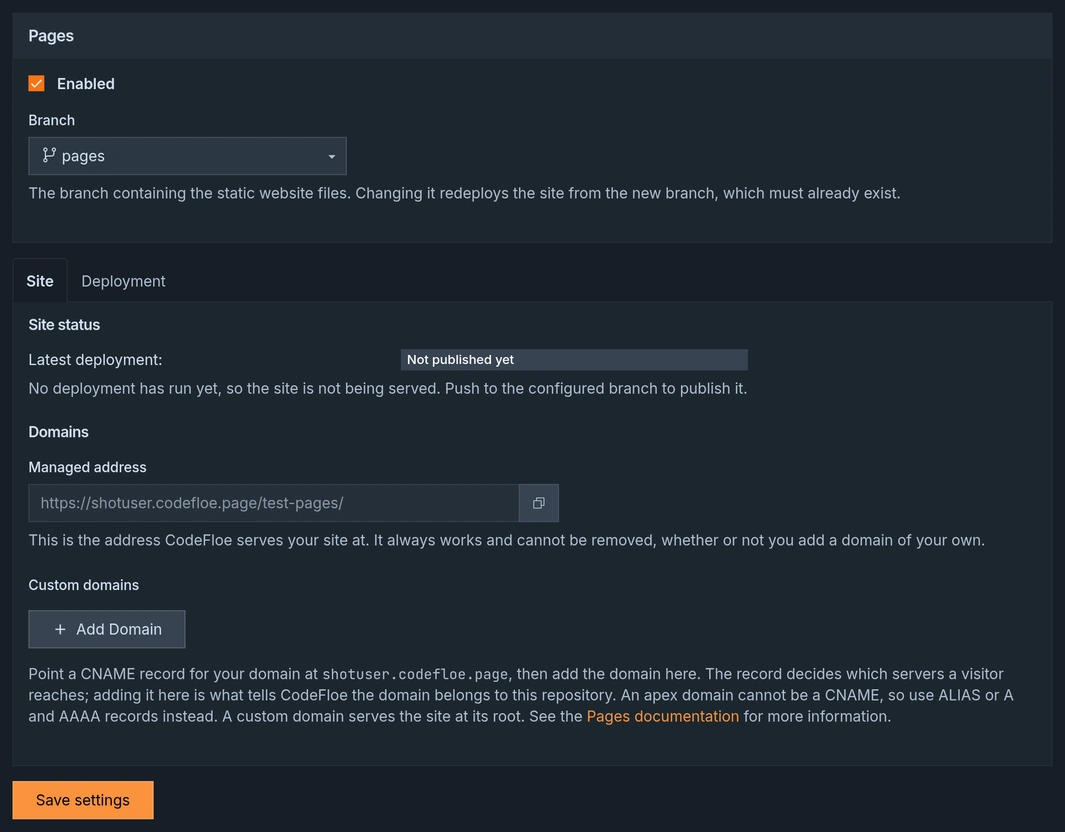
Enabling Pages
Section titled “Enabling Pages”To enable Pages for your repository:
-
Navigate to your repository’s Settings
-
Find the Pages section
-
Toggle the Pages feature on
-
Select the branch holding your site (defaults to
pages) -
Click Save
Your site will be automatically created and deployed!
Your site’s address
Section titled “Your site’s address”Your site is served at:
Next Steps
Section titled “Next Steps”- Configuration - Learn how to customize your build process and domains
- Technical Details - Understand the infrastructure and limits